To log packaged food in Strata, divide the amount you ate by the serving size on the label, using the same unit for both. Multiply each per-serving value by that result. Give Strata the food, portion, and calculated totals, then open the saved meal in Nutrition to check them.
Which numbers should I take from the label?
Start with the amount the numbers describe. A label might show values for 40 g, a single bar, or the whole package. On a label with two columns, read the heading above the numbers. If you ate the whole package and it has a per-package column, you can use that column directly.
When the serving has a household measure and a weight, use the one that matches how you measured your portion. For a portion weighed in grams, use the grams printed beside the serving size. The FDA’s example shows how the amount eaten can differ from the label’s serving.
How do I adjust the numbers for my portion?
Divide the portion by the amount stated above the label values. With a 40 g serving, 20 g is half a serving and 60 g is one and a half servings. Multiply the calories and each nutrient amount by the same factor. Keep grams and milligrams as printed for each nutrient.
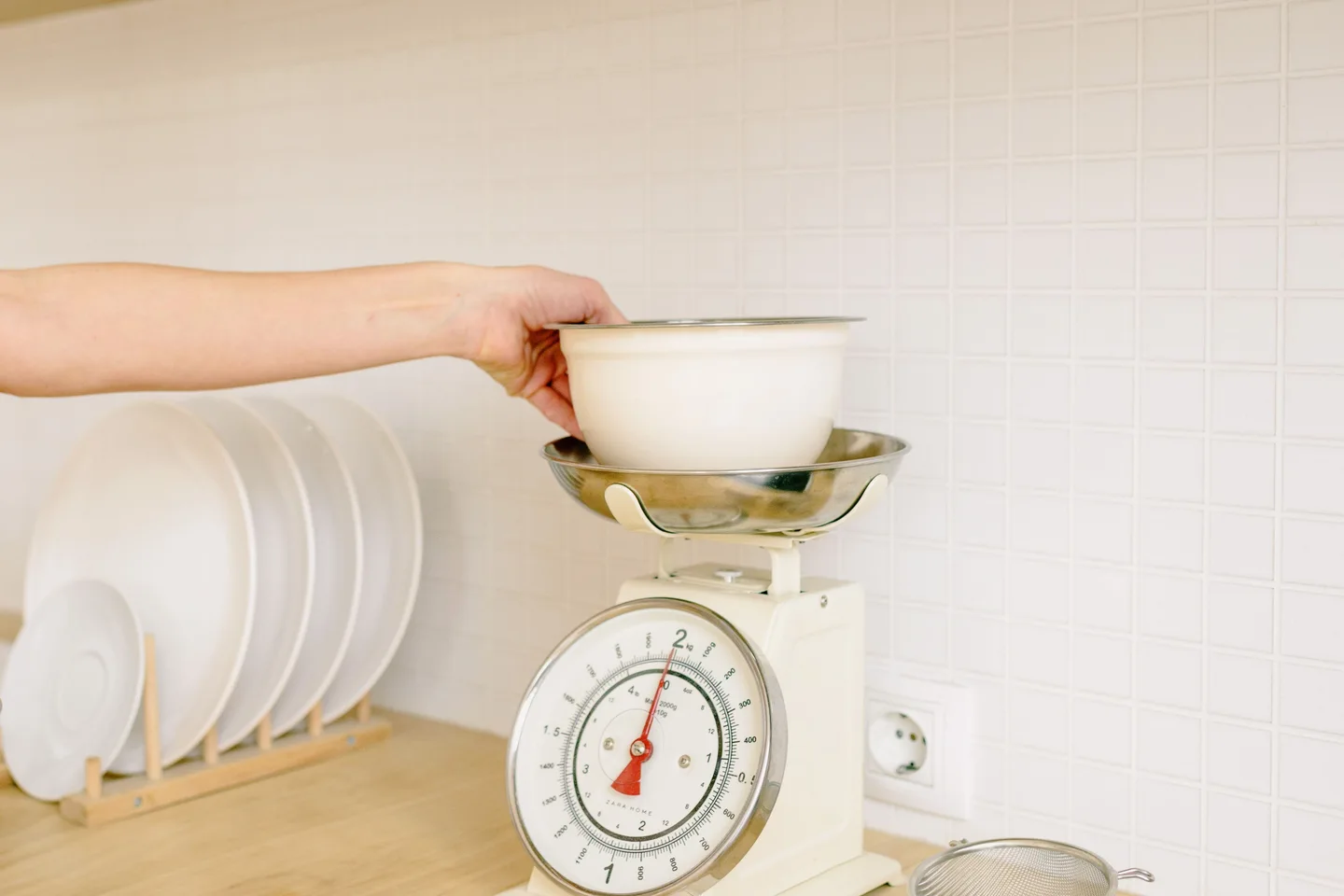
If you weigh the food in a bowl, zero the scale with the empty bowl on it first. If you estimated the portion, carry that uncertainty into your entry. A calculation with decimal places is still based on the amount you started with.
What should I ask Strata to save?
Name the specific product and the amount you ate. Give the totals for that portion and say they came from the package. A message that gives only the serving-size figures leaves the amount for your entry ambiguous.
For example, using the fictional cereal below: ‘Log 60 g of this cereal today. For the 60 g portion, use 240 calories, 9 g protein, 36 g carbohydrates, 6 g fat, and 6 g fibre, calculated from the package label.’ If you want the calculation checked first, ask for the arithmetic before requesting a save.
Where can I check what was saved?
On the web, open Nutrition and find the food under Today’s Meals if you logged it today. Select the entry to open its details. Compare the description and the Calories, Protein, Fat, Carbs, and Fiber rows with your portion totals.
If the numbers match the label’s original serving instead of your portion, fix the existing entry. For an earlier date, ask your connected assistant to retrieve that date’s food log so you can identify the right entry before making a correction.
An illustrative example
From a 40 g label serving to a 60 g bowl
A fictional cereal lists 160 calories, 6 g protein, 24 g carbohydrates, 4 g fat, and 4 g fibre per 40 g. A 60 g portion is 60 ÷ 40 = 1.5 servings. The portion therefore has 240 calories, 9 g protein, 36 g carbohydrates, 6 g fat, and 6 g fibre based on that label.
What other questions come up?
Do I multiply the percent Daily Value?
For the food entry, use the listed amounts such as grams of fibre or milligrams of sodium. A percent Daily Value is a different kind of number.
Should I log the milk shown in a cereal label’s second column?
Check whether that column specifies the type and amount of milk. If yours differs, use the cereal-only numbers and record the milk separately.
What if the package leaves out a nutrient?
The label gives you no amount for that nutrient. Keep it unknown in your source notes and distinguish any estimate you choose to use.
What if the label lists values per 100 g?
Treat 100 g as the reference amount. A 35 g portion uses 0.35 times each value from that column.
Keep this in mind
Keep the package’s reference amount and the amount eaten in your note. If you revisit the entry later, you can see which values were scaled and why.
Strata Health Vault
Put this guide into practice with your own health data.
Bring sleep, movement, meals, and vitals into one unified vault, and connect your data to Claude, ChatGPT, or custom AI assistants.