Tell your connected assistant the amount of water you drank and its unit, then check the saved entry in Nutrition. Strata’s water tool converts the amount to a rounded glass count. Keep that entry separate from the daily water total and the screen’s eight-glass progress scale: they answer different questions.
What amount should I give the assistant?
Use the amount you actually know. A request such as “Log 500 ml of water” is more precise than “Log a bottle,” because bottles do not all hold the same volume. If you know the container capacity and how much you finished, include that information. A photograph of a glass does not establish how much it contains.
The water tool accepts glasses, millilitres and fluid ounces. Its assistant instructions also translate cups to glasses and litres to millilitres. Those are recording conventions, so name the unit rather than leaving the assistant to guess. Do not give the same drink twice in different units as though they were separate amounts.
Keep the action explicit. “I drank 500 ml of water; log it once” requests a new record. “How much water have I recorded?” requests a review. Separating a write from a question helps you check what was saved without accidentally asking for another entry. Inspect the returned description before relying on a summary.
- State one amount and unit for the drink.
- Ask the assistant to log it once.
- Read the returned description, then check the entry in Nutrition.
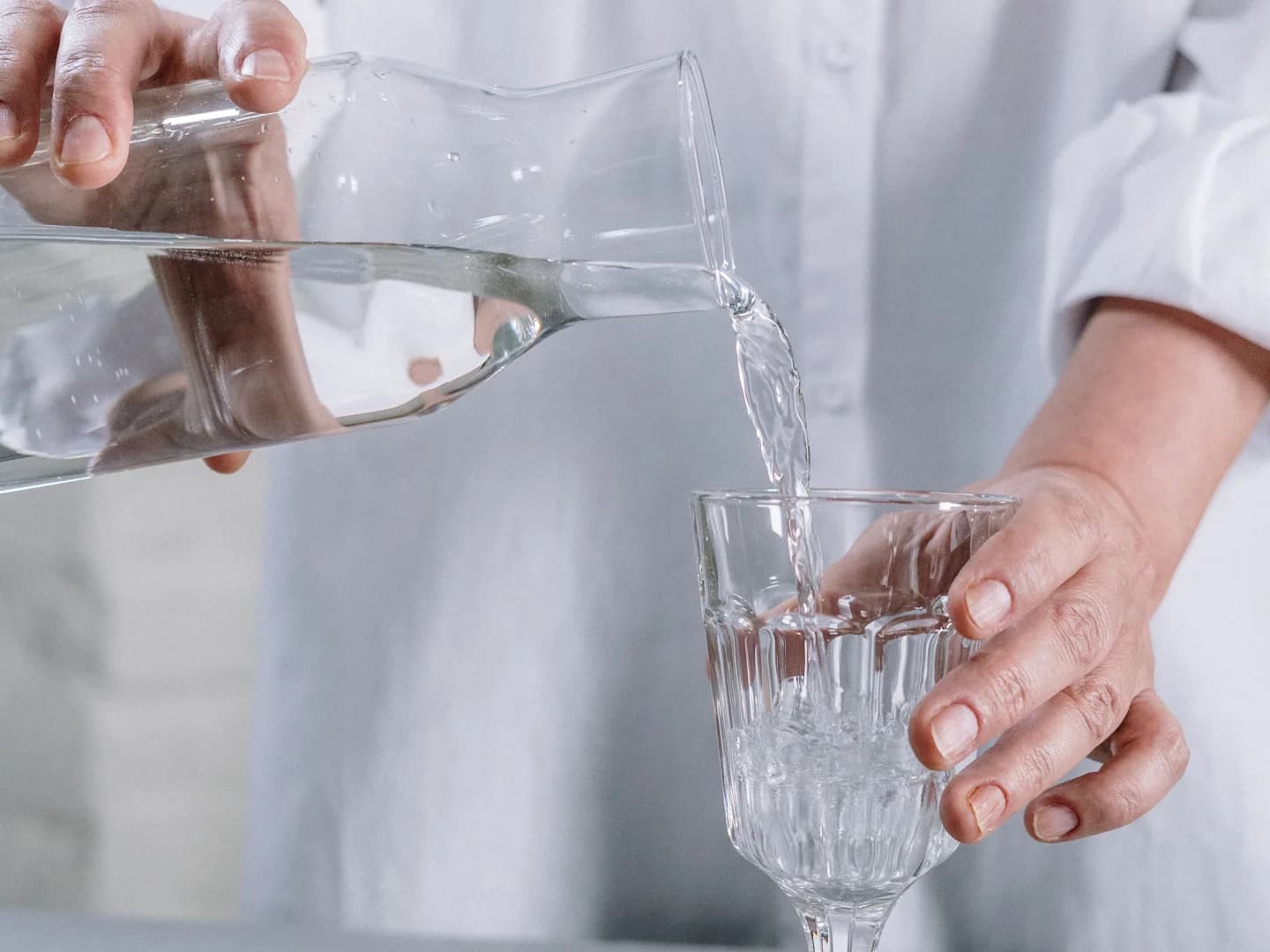
Why can 500 ml appear as two glasses?
The current water tool uses 240 ml per glass and approximately 29.5735 ml per fluid ounce. It adds the supplied volume, divides by 240 and rounds to a whole number of glasses, with a minimum of one glass for a positive amount. A small positive amount can therefore still produce “1 glass of water.”
For a constructed example, 500 divided by 240 is about 2.08, which rounds to two glasses. The tool returns that count and writes a description such as “2 glasses of water” in a water-category food-log entry. It does not write the original 500 ml value into a dedicated volume field on that entry.
Treat the saved description as a normalized record, not a precise measurement of every millilitre. If retaining the original amount matters for your own notes, keep it alongside the confirmation. Do not multiply a rounded result back into millilitres and assume you have recovered the exact amount you originally reported.
Where do I check the entry and its date?
Open Nutrition and use the date navigation beside the heading to inspect the relevant day. The Today’s Water area shows a glass total and, when water-category entries exist for the selected day, a Today’s entries list. Each listed item shows its description and, when a timestamp is present, a time.
The water tool records the current timestamp and derives its date from the configured timezone. Looking at a different date in Nutrition reviews that day; it does not give this tool a historical-date input. Near midnight, compare the saved date and your intended local day before deciding that an entry is missing.
Look for the actual description and timestamp. A generic success reply or changed progress bar is less specific than the persisted entry. If you cannot find it, ask the assistant to list water entries for that date without making changes, then compare those records with the day selected in Nutrition.
Why might an entry count differ from the water total?
A water entry is one saved row, even when its description says “2 glasses of water.” Counting rows answers how many logging events exist, not necessarily how many glasses their descriptions represent. One request for two glasses does not become two separate entries in the current tool.
The Nutrition page obtains its displayed glass total from daily metrics, while the itemized list comes from water-category food-log records. The current logging handler inserts a food-log record; it does not itself update the daily-metrics total. A row count, description and displayed aggregate should not be treated as interchangeable proof of the same amount.
If they disagree, keep both observations rather than adding another drink to force the number upward. A useful request is: “Show my water entries for this date, with descriptions and timestamps, and separately show the recorded daily glass total. Do not log anything.” Note any mismatch and the selected date before making a correction.
To correct a mistaken record, first identify the specific entry. Describe whether the problem is a duplicate, wrong description or date mismatch. Changing a description alone is not evidence that every dependent daily total has recalculated. Recheck the saved record and aggregate separately after any authorized correction.
Does the eight-glass scale tell me what I need?
The current web Nutrition view draws its progress bar against eight glasses. That is the interface’s fixed reference, not an individualized assessment based on your circumstances. A full bar says that the displayed total reached that reference; it does not establish hydration status or prove that your record includes everything you drank.
CDC guidance says daily water intake recommendations vary with factors including age, sex, pregnancy, activity and breastfeeding. It also notes that other beverages and foods contribute fluid. A log of plain-water entries differs from a complete record of total fluid intake. Avoid reading an incomplete app log as a full accounting of that broader picture.
Use this guide to make the record understandable: explicit units, identifiable entries, the correct date and visible uncertainty about totals. If you need a personal fluid target, discuss that separately with a qualified professional who knows your circumstances. The stock photograph and fictional example here do not provide a target or a measuring standard.
Reference: CDC: About Water and Healthier Drinks
An illustrative example
One drink, two different checks
In a fictional example, Alex requests a single 500 ml water log. The confirmation says two glasses, and the entry list contains one item. That is one logging event with a rounded description. Alex checks the daily aggregate separately rather than treating the single row as one glass or logging the same drink again.
What other questions come up?
Is one water entry always one glass?
No. The current tool writes one entry for each logging request. A request for 500 ml can create one entry described as two glasses. Counting entries measures logging events. Read their descriptions and inspect the daily aggregate separately before describing a glass total.
Does a rounded glass count preserve the original millilitres?
No. The tool normalizes the supplied amount using 240 ml per glass, rounds to a whole count and saves a glass description. The original volume is not saved in a dedicated millilitre field on that entry. A value reconstructed from the description is approximate.
Can changing the Nutrition date backdate a water log?
The date navigation selects the records you are reviewing. The current water tool has amount inputs but no historical-date input, and uses its current timestamp and configured timezone. Check the saved date explicitly rather than assuming that the visible day determined a new entry’s date.
Should I log another drink if my total has not changed?
First check whether the original entry exists. The list and daily total read different records, so an unchanged aggregate does not by itself mean the drink failed to save. Ask for a read-only comparison with the relevant date, description and timestamp before requesting any correction.
Keep this in mind
Record the amount once, read the saved description and check the date. Review the daily total as a separate value, with its limits visible.
Strata Health Vault
Put this guide into practice with your own health data.
Bring sleep, movement, meals, and vitals into one unified vault, and connect your data to Claude, ChatGPT, or custom AI assistants.