Record the strength per tablet and the number of tablets you actually took as separate details. Keep the confirmed dose and its unit with them when you know both. In Strata on the web, Take now logs the amount already saved under Current dose. It does not ask you to count tablets.
Which number is the tablet strength?
Strength describes how much medicine is in each tablet. Write the exact medicine name, form and unit from the label, such as milligrams per tablet. The count next to Qty on a pharmacy label describes the supply dispensed. It doesn't tell you how many tablets you took.
Keep the instructions from your pharmacist or prescriber next to the label information. The FDA's medication list separates the product strength from how much and when a person uses it. That separation helps when you compare an old record with a new label.
Reference: FDA: Create and keep a medication list
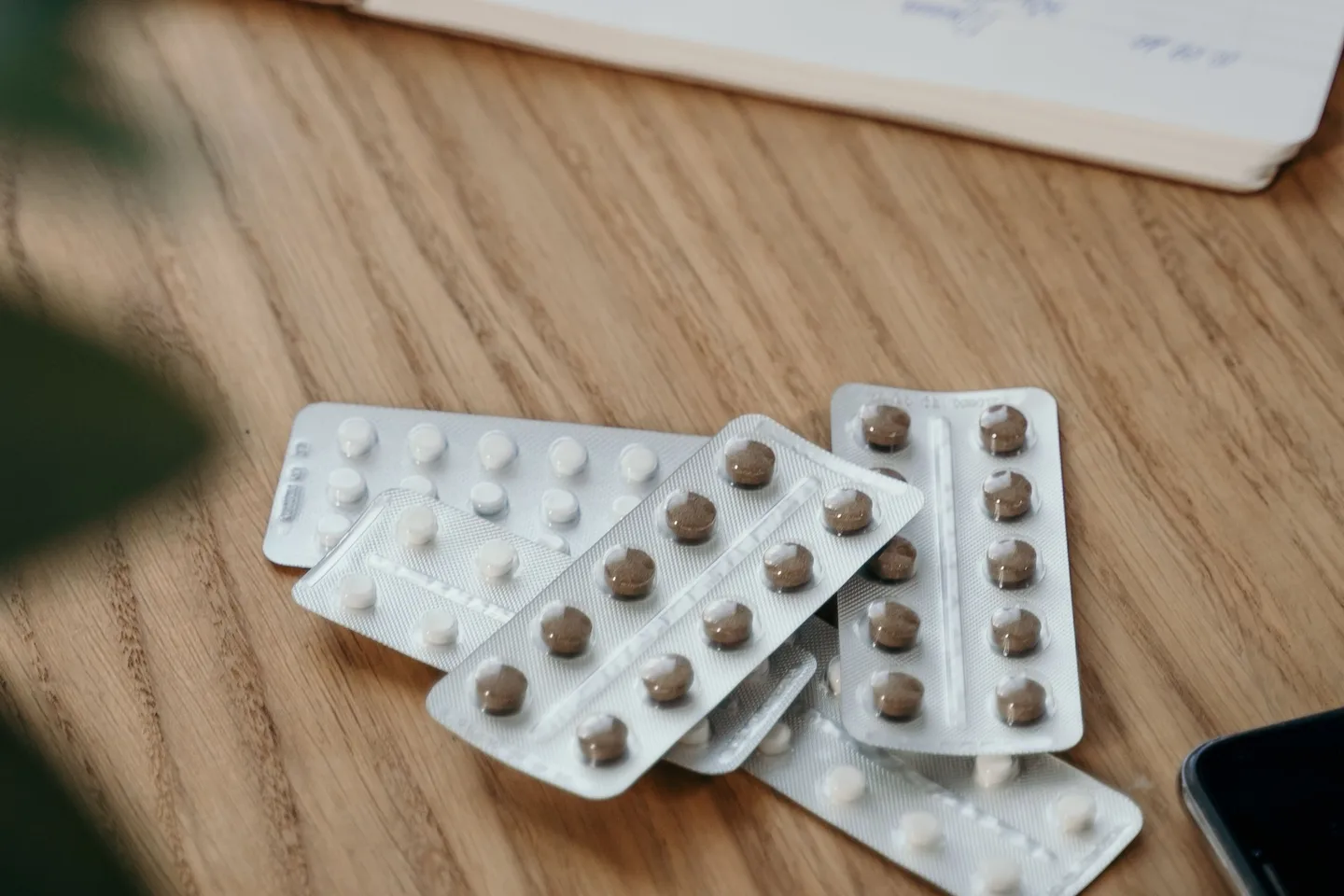
What should I write down for a dose I already took?
Give the label, instructions and event their own lines. For the event, use the date and time it happened, the tablet count you actually know, and the total amount only if you've confirmed it. The FDA's printable list offers separate places for the product and the amount used.
If you only remember that you took it in the morning, write that rather than entering an exact time. If you know the count but can't verify the old tablet strength, keep the count and mark the strength and total as unconfirmed. The current label might belong to a different refill.
- Label: [exact name and form] · [strength per tablet].
- Instructions: [confirmed amount and unit per dose] · [source or date].
- Event: [date and known time] · [count actually taken] · [confirmed total, if known].
Reference: FDA: My Medicines printable list
What does Take now save in Strata?
On the web, open Medications and select the medicine. Check the amount and unit under Current dose. After you've taken a dose that matches the saved amount, Take now records the current time and links the entry to the active prescription record. The Intake log displays the linked amount and unit.
There is no tablet-count field in Take now. If the amount you actually took is different or unclear, keep a separate dated note instead of logging it as the current amount. Changing Current dose to make one event fit would change the prescription record.
What if the label and my record disagree?
Keep both versions with their dates and sources. For example, note that the current container has one strength and that the strength in use on the earlier date hasn't been verified. A gap marked clearly is easier to review than a confident number reconstructed from memory.
Bring the container or available pharmacy records when asking a pharmacist to confirm what was dispensed or clarify current instructions. If you're unsure what to take, ask your pharmacist or prescriber. The record is for documenting information you already have.
An illustrative example
One fictional entry, three lines
Alex's label reads “Example tablet · 10 mg per tablet.” The confirmed instructions already on file list 20 mg per dose. The event note reads “Nov 16, 8:15 a.m. · 2 tablets taken · 20 mg confirmed.” The numbers show what each field means. They are not instructions for any medicine.
What other questions come up?
Why keep both the name and the strength on my list?
Two refills can have the same medication name and different strengths. The name and strength together help you tell which label a note refers to.
Does Qty tell me how many tablets to log?
Qty describes the supply dispensed. For an event, record the number of tablets you actually took if you know it.
Can I use Take now for a dose I took yesterday?
On the web, Take now uses the current time. For an older event with no exact time, keep the date and the details you do know in your note.
Can I copy today's strength into a note about an older dose?
Only if you can verify it was the same strength. Otherwise preserve the details you know, mark the older strength as unconfirmed and ask the pharmacy if you need to check the record.
Keep this in mind
Keep the label strength, confirmed instructions and actual event in separate lines so each number has a clear meaning.
Strata Health Vault
Put this guide into practice with your own health data.
Bring sleep, movement, meals, and vitals into one unified vault, and connect your data to Claude, ChatGPT, or custom AI assistants.