In the Strata iPhone app, go to More, open Vitals and tap Resting HR. Choose 7D, 30D or 90D to change the chart window. Check the dates under Recent before reading the headline change: it compares the last two recorded values, which may come from dates more than one day apart.
Where do I find my resting heart rate history?
Under More → Vitals, look for Resting HR in the Recovery group. Its detail screen is titled Resting heart rate and uses beats per minute (bpm). It opens on the 30-day window when you first enter the screen. Use 7D for a shorter view or 90D to look for older records.
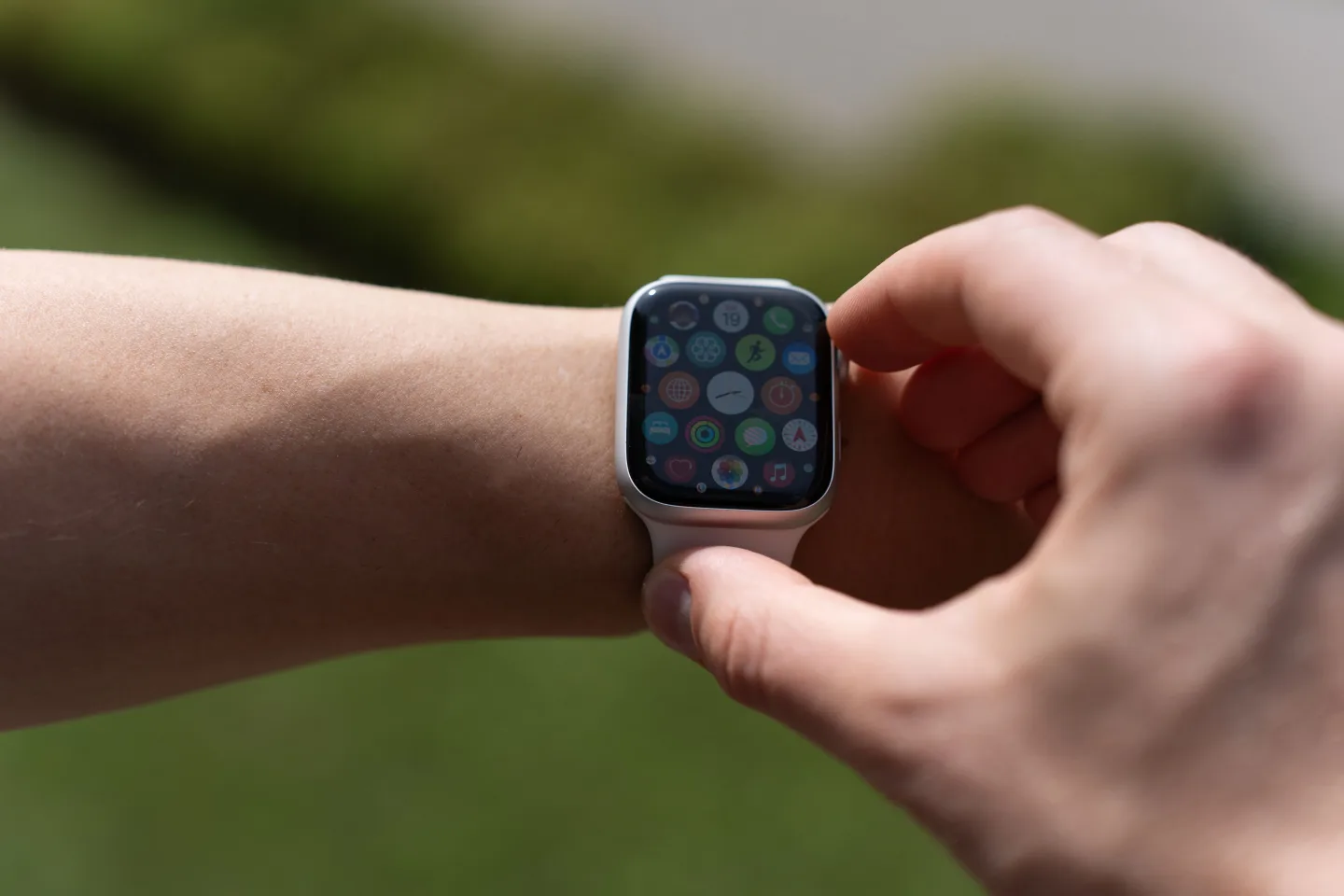
If you are checking an Apple Watch reading, make sure you are comparing the same kind of record. Apple distinguishes Resting Rate from a current reading, Walking Average and workout heart rate. The watch’s Heart Rate app can show those separately, and Apple Health on iPhone has a longer view under Heart.
Reference: Apple Watch User Guide: Check your heart rate
What does “from yesterday” compare?
The large number is the latest available value in your chosen window. Beneath it, the change compares the last two available records. The screen uses the phrase “from yesterday” even if the earlier record is older. Scroll to Recent and read the dates next to the first two values before describing the difference.
If the latest date is earlier than today, report it with that date attached. If there is only one record in view, there is no second value for the comparison. A wider range can help you find an older record, but it does not make a missing date complete.
What goes into the average for a selected range?
Avg, Min and Max summarize the values actually present in the selected window. Days without a usable entry do not go into the average as zeros. So two windows can show different summaries because they contain different sets of dates, even though the individual records have not changed.
Use the chart for the full window and Recent for a quick date check. Recent shows up to 14 entries, newest first, so it is not a count of all the records in a 90-day chart. If you need to describe a small set of values, write down its first and last recorded dates alongside the numbers.
What should I check when a day is missing?
If the detail view says No data yet, it has no usable values to show. Check the corresponding date in Apple Health first. If the resting reading is there, follow the Apple Health sync guide to compare permissions and coverage before trying to explain the gap.
Keep the missing date visible in your own notes. If you are handing the record to someone else, “no reading available for November 2” is more useful than a guess about what the reading would have been. If you are preparing for an appointment, the separate appointment guide explains how to bring a dated excerpt and a specific question.
An illustrative example
Two readings, three calendar dates
In this fictional example, Alex has 62 bpm on November 1 and 66 bpm on November 3, with no entry on November 2. The latest value is 66, and the difference is 4 bpm across two days. The average of those two available readings is 64 bpm. There is no November 2 value to interpret.
What other questions come up?
Is Resting HR the same metric as HRV?
They are separate entries in Vitals. Resting HR is displayed in beats per minute. Strata displays heart rate variability in milliseconds, so its figures do not belong in the resting heart rate chart.
Can I compare my live Watch reading with this chart?
Look for Resting Rate in Apple’s Heart Rate app or the corresponding dated Health record. A spot reading taken when you open the watch app is a different record from the resting value.
Why is there no change under the large number?
The screen needs two available records to calculate that difference. A range with only one available entry can show a large value without a comparison underneath.
Does the 90-day range show 90 rows in Recent?
No. The chart uses the selected period, but Recent lists at most 14 records. A shorter list does not establish that the rest of the chart is empty.
Keep this in mind
Use the chart window to find the period you want, then use the recorded dates to describe what changed and how much of the period is covered.
Strata Health Vault
Put this guide into practice with your own health data.
Bring sleep, movement, meals, and vitals into one unified vault, and connect your data to Claude, ChatGPT, or custom AI assistants.