Editing a Strata meal template does not rewrite meals you already logged from it. Each application saves a separate dated entry with its own nutrient values. Update the template for future uses; correct an existing food entry separately when that particular meal is wrong. Check both records if the original template was inaccurate.
What is saved when I apply a meal template?
A meal template holds a reusable name, description and nutrient information. Applying it creates a food entry for a particular date and time. The entry stores a copy of the template's name and nutrients at that moment, rather than reading its values afresh whenever you open Nutrition.
The entry can retain a link to the source template, but that link does not make the two records interchangeable. A later name or nutrient change to the template does not rename or recalculate the earlier entry. Likewise, correcting a logged meal does not maintain the template for you.
What would a before-and-after example look like?
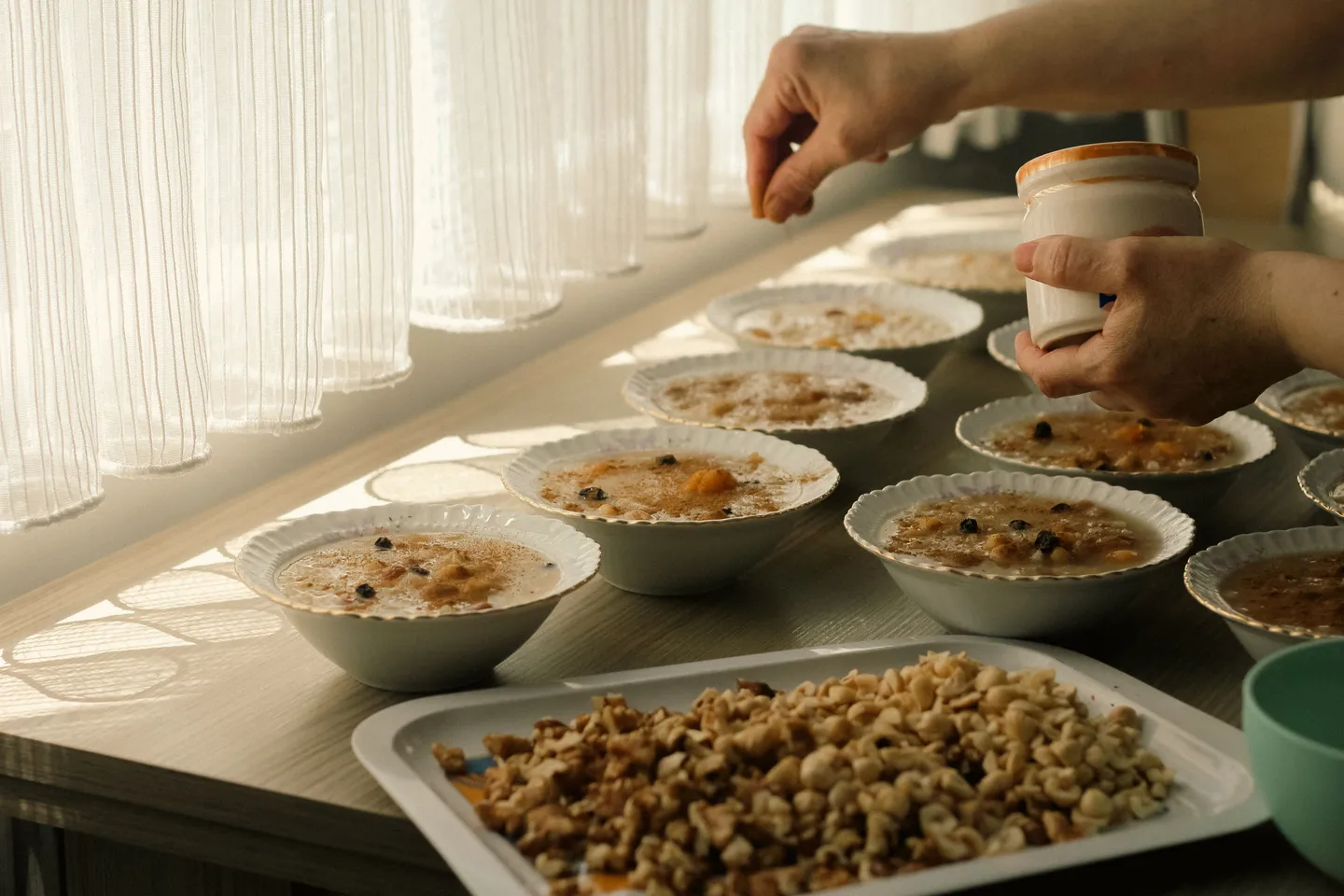
In this fictional example, Alex's saved breakfast template contains an estimated 350 kcal. Alex applies it on November 21. On November 22, Alex changes the usual ingredients and updates the saved template to an estimated 410 kcal. Those numbers are invented to explain record behavior, not calculated nutrition for the photograph or a suggested breakfast.
The November 21 entry still contains 350 kcal. Applying the updated template on November 23 creates a new entry with 410 kcal. Opening the old day should not make its breakfast match the current template merely because both meals came from the same saved item.
This is useful when the food really changed. An accurate earlier meal can remain as it was, while later entries reflect the revised combination. The template's current values describe the reusable meal now; the dated entries describe what was recorded on their own days.
Should I edit the template or the logged meal?
Choose the record by the scope of the change. A new regular ingredient, different usual portion or corrected product information belongs in the reusable template. A one-off extra topping or mistaken entry belongs in that meal's dated food record.
For template changes, use a compatible connected assistant's supported template-update tools and identify the saved meal clearly. Then open Templates to inspect the persisted values. The web template detail displays its information; do not assume it offers a general ingredient or nutrient editor just because aliases can be edited there.
For an existing meal, open Nutrition, select the relevant date and open the food entry. Review and edit that entry's details. Confirm the saved result on the same day before moving on. Use the food-log correction guide below for the full correction flow.
- Future repetitions: update the saved template and inspect it in Templates.
- One meal already logged: correct that dated entry in Nutrition.
- A template that was wrong from the start: review both the template and the affected entries.
What if the original template was wrong?
First separate a genuine change in the food from a mistake in its stored values. If Alex really ate the earlier combination, its entry may need no correction. If the template's original estimate was wrong, updating the reusable item alone leaves the older entries with that earlier estimate.
Use the dates when the inaccurate version was applied to identify entries that need review. Correct only the meals whose information you can support. The same template name is a clue, not proof that every meal had identical ingredients or portions. Keep unknown nutrients unknown rather than replacing them with zero.
Do not apply the template again over an existing meal just to refresh its numbers. Applying creates another food entry; it is not an update to the one already there. If you accidentally log it twice, inspect the date and entries before removing the duplicate.
How can I verify the change without rewriting history?
Keep the check small enough to follow: the saved meal, one earlier dated entry, and the next meal you actually log from the updated template. Compare the name and values you intended to change, not just the daily calorie total, which also includes other foods.
You do not need to create a test meal in your real history. Inspect the updated template immediately, then check the next genuine entry after you use it. If an assistant reports success but the saved record differs, resolve that specific mismatch before asking it to repeat the write.
- Write down the template name and the intended ingredient or portion change.
- Inspect the stored template after the update.
- Check an earlier meal on its own date if it might need a separate correction.
- After the next real use, confirm one entry was added with the intended values.
An illustrative example
A fictional request with a clear scope
Alex asks a compatible assistant: 'Update my usual breakfast template for the new portion. Leave my existing meals alone.' If an older meal was also entered incorrectly, Alex identifies that specific dated entry as a separate correction. The request describes what should change before any write happens.
What other questions come up?
Can I rename a template without renaming old meals?
Yes. Existing food entries retain the description copied when they were created. A clearer template name helps with future selection; use a separate entry edit if an older description itself needs correction.
Does changing a template update every nutrient?
A supported update changes the fields supplied to it. Omitted fields remain as stored. When a product or portion changes, review all affected nutrient values instead of assuming a calorie edit automatically recalculates the rest.
Do I need a second template for an occasional variation?
Not necessarily. Correct a one-off meal on its own date. A separate clearly named template can help when two versions recur often enough that you want to select between them.
Can an old meal become more accurate just by reopening Nutrition?
Reopening displays the saved entry. It does not replace its nutrients with today's template values. If you discover a mistake, inspect the individual meal and make the supported correction explicitly.
Keep this in mind
Before changing a familiar meal, decide whether the correction belongs to the reusable item, a dated entry, or both. Verify the saved record that matches that decision.
Strata Health Vault
Put this guide into practice with your own health data.
Bring sleep, movement, meals, and vitals into one unified vault, and connect your data to Claude, ChatGPT, or custom AI assistants.